
If you use a Smeg coffee maker at home, you already know how much it adds to your kitchen. Its retro design and reliable performance make it a favorite for coffee lovers. However, many owners struggle with one simple thing: changing the time on their Smeg coffee maker. Setting the correct time is not just about accuracy—it’s key for using features like the auto-start brew. If your clock is wrong, your morning coffee might start too early or late.
This guide will walk you step-by-step through changing the time on your Smeg coffee maker. You’ll also learn how the clock connects to other features, what to do if things go wrong, and get answers to the most common questions.
With clear instructions and practical tips, you’ll have your Smeg coffee maker set up perfectly in no time.
Understanding Your Smeg Coffee Maker’s Clock
Before you change the time, it helps to know why the clock matters and how it works.
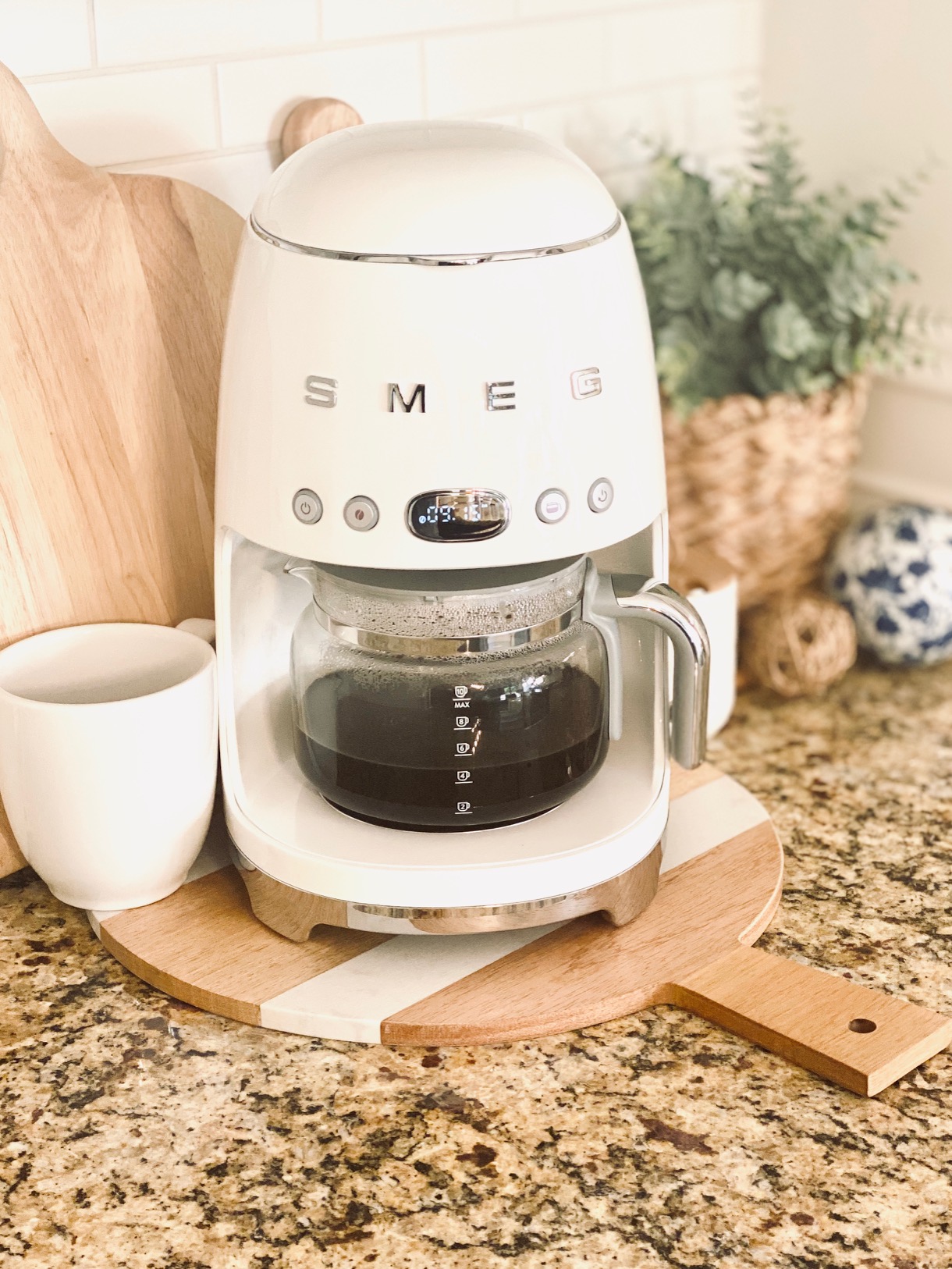
Most Smeg coffee makers have a digital clock built into the control panel. This clock does more than show the time—it manages timed brewing, power-saving, and even self-clean reminders. If the clock is not set, these features might not work as you expect.
The clock on Smeg machines usually runs on a 24-hour format. Some models allow switching to a 12-hour format, but not all. The time resets if you unplug the machine or if there is a long power cut. That’s why knowing how to reset the time is important for daily use.
Not all Smeg coffee makers are exactly the same. The most popular models are the Smeg Drip Filter Coffee Maker DCF02 and the Smeg Espresso Coffee Machine ECF01. This article mainly focuses on the DCF02, as it’s the one with the most clock features.
When Do You Need To Change The Time?
There are several moments when you’ll need to set or adjust the clock:
- First-time setup: After unboxing your machine.
- Daylight saving changes: When clocks move forward or back.
- After a power cut: The display may flash or reset to 00:00.
- Travel or relocation: If you move to a different time zone.
- Routine checks: To make sure the auto-start brew works at the right time.
Some owners ignore the clock, but this can cause confusion, especially if you use the auto-start timer. A wrong time could mean you miss your morning cup, or the machine starts brewing at midnight instead of dawn.
Step-by-step: How To Change The Time On Smeg Coffee Maker
Changing the time on your Smeg coffee maker is simple, but the buttons and process can be a little confusing at first. Follow these clear steps for the Smeg DCF02 model (the most widely used drip filter type). If you have another model, the steps are similar, but check your manual for small differences.
Step 1: Locate The Clock Button
Find the clock symbol on your Smeg’s control panel. It’s usually a button labeled with a small clock icon or the word “CLOCK.”
Step 2: Activate Time Setting Mode
Press and hold the clock button for about 3–5 seconds. The time display should start to blink. This means you can now set the hour and minute.
Step 3: Set The Hour
Use the up (+) and down (–) buttons next to the clock. Each press will move the hour up or down. Some models may use a single dial. Keep pressing until you reach the correct hour.
Pay attention to the AM/PM indicator if your model uses a 12-hour format. On 24-hour models, 14:00 means 2:00 PM.
Step 4: Set The Minutes
After setting the hour, press the clock button again. Now the minute digits will blink. Use the same + and – buttons to set the correct minute.
Step 5: Confirm And Save
Press the clock button one final time to confirm your settings. The display should stop blinking and show the set time.
Step 6: Double-check
Wait a few seconds and make sure the clock stays on the correct time. If the display resets or flashes, repeat the steps above.
Quick Reference For Smeg Dcf02
- Hold “CLOCK” for 3–5 seconds (display blinks)
- Set hour with “+” or “–”
- Press “CLOCK” to switch to minutes
- Set minutes with “+” or “–”
- Press “CLOCK” to confirm
Setting The Time: Example Walkthrough
Let’s say you want to set the time to 6:45 AM.
- Hold the clock button until the numbers blink.
- Press the + button repeatedly until you reach 6.
- Press the clock button again—minutes will blink.
- Press the + button until you reach 45.
- Press the clock button one more time to finish.
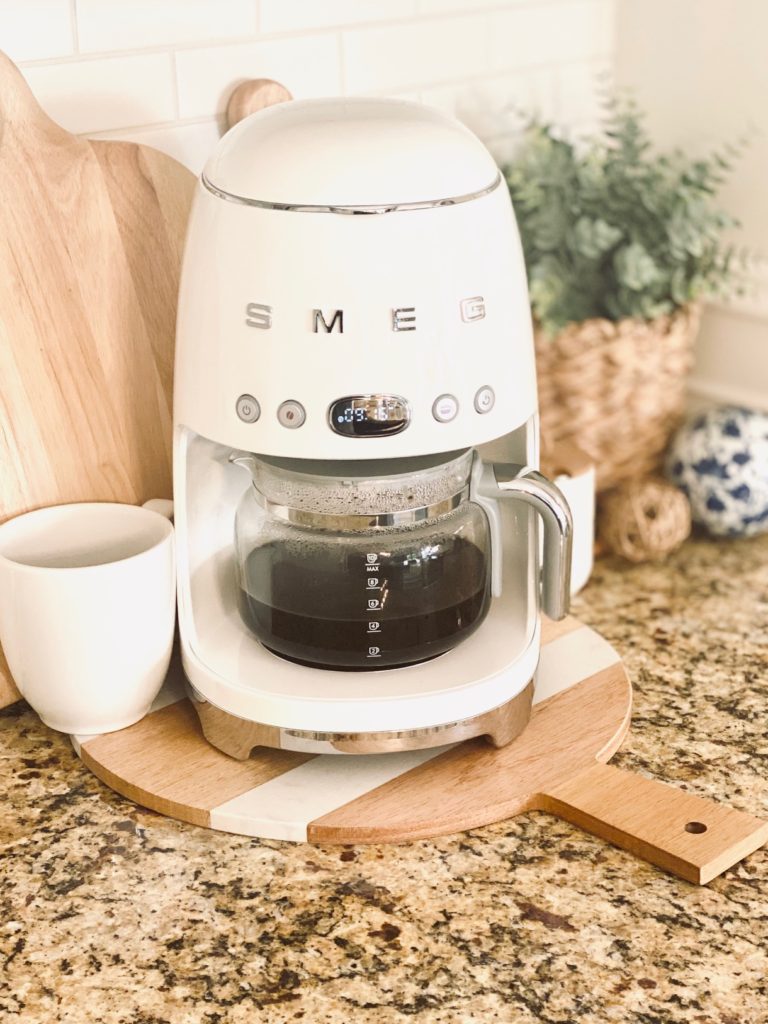
Your Smeg coffee maker now shows 06:45 and is ready for scheduled brewing.
Credit: tamiinbetween.com
Differences Between Smeg Models
While the basic steps are similar, there are small differences depending on your Smeg coffee maker model.
| Model | Clock Setting Method | Time Format | Auto-Start Option |
|---|---|---|---|
| DCF02 (Drip Filter) | Clock button + +/- buttons | 24-hour | Yes |
| ECF01 (Espresso) | No clock function | N/A | No |
| Fully Automatic Bean-to-Cup | Menu system on digital display | 12/24-hour | Yes |
Important: If your Smeg does not have a clock button, it may not support time-based features. Always check your user manual for your specific model.
Understanding 24-hour Vs. 12-hour Format
Many Smeg coffee makers use the 24-hour clock, also called military time. Here’s a quick comparison to help you set the right time:
| 24-Hour | 12-Hour (AM/PM) | Common Use |
|---|---|---|
| 06:00 | 6:00 AM | Morning brew |
| 14:00 | 2:00 PM | Afternoon coffee |
| 23:00 | 11:00 PM | Late night |
If you set 18:00 by mistake but want 6:00 AM, your coffee will brew at 6:00 PM! Always double-check which format your machine uses.
Credit: tamiinbetween.com
How The Clock Connects To Other Features
Changing the time is not just for display. It affects several key features:
Auto-start Brew
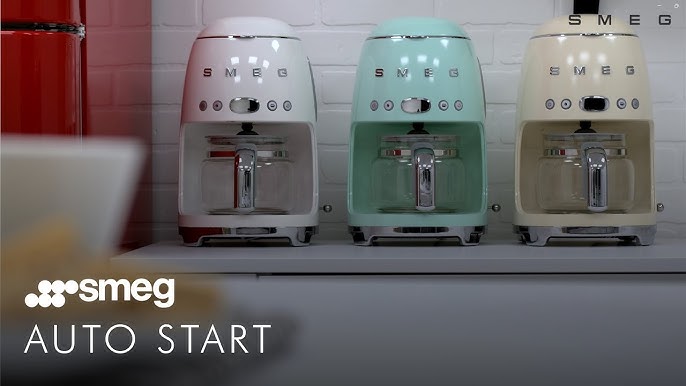
The auto-start timer lets you program the Smeg to start brewing at a set time. If your clock is wrong, your coffee will start at the wrong moment. For example, if you want coffee ready at 7:00 AM, but your machine thinks it’s 7:00 PM, you’ll miss your cup.
Power-saving
Some Smeg models go into energy-saving mode after a certain time. If the clock is wrong, power-down and wake-up cycles could happen at the wrong times.
Cleaning Reminders
Advanced models use the clock to track when to show descale or cleaning reminders. If the time is off, you could miss these alerts.
Common Problems When Changing The Time
Most users can set the time without trouble, but sometimes things don’t go as planned. Here are common issues and solutions.
The Clock Resets After Power Loss
If your Smeg coffee maker loses power (unplugged or power outage), the clock usually resets to 00:00. This is normal. Simply follow the steps above to reset the time.
Non-obvious tip: Some people use a small uninterruptible power supply (UPS) to keep their coffee maker’s clock during brief outages, but this is rare for home use.
Buttons Do Not Respond
If the buttons feel stuck or unresponsive, try unplugging the machine for 30 seconds and then plug it back in. If the problem continues, check for dirt or sticky residue around the buttons. Clean gently with a soft, damp cloth—never use harsh chemicals.
The Display Flashes But Won’t Set
A flashing display usually means you are in the time setting mode. If pressing the clock button does not confirm your settings, try waiting 10 seconds. Most Smeg machines will exit setting mode automatically and save the time.
The Time Jumps Or Skips
If the minutes or hours skip numbers, you might be holding the button too long. Try short, single presses instead of holding the button down.
Model Does Not Have A Clock
Some Smeg espresso machines do not have a clock feature at all. If you can’t find a clock button or see a time display, check your model. Don’t waste time searching for a feature your machine doesn’t have.
How To Use The Auto-start Brew Function
One of the best features of the Smeg DCF02 is the auto-start brew. This lets you wake up to fresh coffee. But it only works if your clock is set correctly.
Setting Auto-start Brew
- Set the current time first, using the steps above.
- Find the auto-start timer button (often labeled “AUTO”).
- Press and hold the auto-start button until the display blinks.
- Use the + and – buttons to set the hour you want coffee to start.
- Press the auto-start button again to set the minutes.
- Press the auto-start button to confirm.
A small indicator light will show that the auto-start is active. Make sure you have added water and coffee grounds the night before.
Practical Example
If you wake up at 7:00 AM, set your auto-start for 6:45 AM. This way, your coffee is ready when you get out of bed.
Non-obvious insight: Always check if the auto-start light is on before you sleep. Many people forget to activate it after setting the time.
What If The Time Is Incorrect After Setting?
Sometimes, after following all steps, the time still shows incorrectly. Here’s what to check:
- Check the plug: Power surges or loose plugs can cause resets.
- Model differences: Some machines need the “OK” or “Power” button pressed after setting, not just the clock button.
- Firmware issues: Rare, but if your display always resets, contact Smeg support.
How To Keep Your Smeg Coffee Maker’s Clock Accurate
While the Smeg coffee maker’s clock is reliable, it can drift by a few minutes over months, especially after power interruptions.
Tips For Accuracy
- Set the time every few months: This keeps the auto-start function working perfectly.
- Avoid plugging into switched outlets: If your outlet is turned off at night, the clock resets.
- Keep the manual handy: Different models have different quirks. The manual often has a troubleshooting section.
Using The Smeg App (for Smart Models)
Some of the latest Smeg coffee makers connect to your smartphone via the Smeg Connect app. This lets you set the clock remotely, check brew status, and adjust timers.
- Download the Smeg Connect app from your app store.
- Follow the instructions to pair with your coffee maker.
- Go to the settings menu and find “Set Time.”
- Adjust the time from your phone and sync.
Not all models support this feature. It’s most common in high-end bean-to-cup Smeg machines.
How Does Smeg Compare To Other Brands?
Smeg’s time setting system is simple compared to some brands but more advanced than others. Here’s a quick comparison with other popular coffee makers:
| Brand | Time Setting Process | Auto-Start Brew | App Control |
|---|---|---|---|
| Smeg DCF02 | Physical clock button, +/- controls | Yes | Some models |
| Breville Precision | Menu system, digital dial | Yes | No |
| De’Longhi Dedica | No clock (manual start) | No | No |
| Keurig K-Elite | Touch screen, simple menu | Yes | No |
Smeg’s advantage is its retro look and easy-to-find physical buttons. Some other brands use touchscreens, which can be less intuitive for some users.
Maintenance And Care For The Clock Feature
Like all electronics, the clock system on your Smeg coffee maker works best if you keep the control panel clean and dry.
- Wipe the panel regularly: Use a soft, damp cloth.
- Avoid splashing: Don’t let water or coffee spill onto the buttons.
- Don’t use abrasive cleaners: These can scratch the display or wear off the button markings.
- Unplug for deep cleaning: If you need to clean around the buttons, always unplug the machine first.
Non-obvious tip: Some users use a soft-bristled toothbrush to gently clean around the button edges, removing coffee dust and grime.
Credit: www.youtube.com
Troubleshooting: When The Clock Won’t Set
If you have tried all the steps but the clock still doesn’t set, here’s a troubleshooting checklist:
- Power cycle: Unplug, wait 60 seconds, plug back in.
- Check for child lock: Some digital models have a lock feature. Hold the clock and auto-start buttons together for 5 seconds to unlock.
- Inspect the control panel: Look for signs of damage, such as cracks or moisture under the display.
- Factory reset: Some models allow a full reset by holding the power and clock buttons for 10 seconds.
- Contact Smeg support: If all else fails, reach out to Smeg’s customer service or visit their official support page.
For official manuals and more details, check the Smeg official support website.
Real-world Tips From Smeg Owners
Experienced Smeg owners have learned a few tricks and tips that can save you time and frustration:
- Label your power plug: If your coffee maker is plugged into a power strip, label it so no one accidentally turns it off and resets the clock.
- Set the clock during daylight hours: It’s easier to see the display in good light.
- Keep your manual: The small quirks of each model are explained there.
- Practice once a month: Resetting the time once every few weeks helps you remember the steps.
- Use a backup alarm: Don’t rely only on the coffee timer for morning wake-ups, especially if you have frequent power cuts.
Frequently Asked Questions
How Often Should I Check Or Reset The Time?
It’s best to check your Smeg coffee maker’s clock every couple of months, especially if you use the auto-start function. Also, reset the time after any power cut or if you move the machine.
Can I Change The Clock Format From 24-hour To 12-hour?
Most Smeg DCF02 models use the 24-hour format only. Some high-end models or smart versions may offer a 12-hour option in the settings menu. Check your manual for details.
My Display Keeps Flashing 00:00. What Should I Do?
This means the clock needs to be set. Follow the steps in this article to set the correct time. If it keeps resetting, check your power outlet or contact Smeg support.
Why Is My Auto-start Brew Not Working?
The most common reason is an incorrect clock setting. Double-check that the time is accurate and that the auto-start light is on. Also, make sure you have added water and coffee grounds.
Where Can I Find An Official Manual For My Smeg Coffee Maker?
You can download official manuals from the Smeg support website. Choose your model and language for step-by-step guides.
Setting the time on your Smeg coffee maker takes just a few minutes, but it makes a big difference in your daily routine. With the right time, you’ll enjoy perfectly timed coffee and all the smart features your machine offers.
Whether you’re new to Smeg or a long-time user, these steps and tips will help you get the most from your coffee maker, every single day.