
If you own or manage a pool system, you may have seen the error message “Pentair Pump 1 Communication Lost” pop up on your control panel. This warning can cause worry because it means the system is not talking properly with one of its main parts—the pump. Pool owners depend on reliable communication between their equipment to keep water clean, safe, and enjoyable. When that link fails, the pool’s health and your peace of mind can be at risk.
This article explains everything you need to know about this error: what it means, why it happens, how to fix it, and how to prevent it in the future. You will also learn about the Pentair pump’s smart features, common troubleshooting steps, practical tips, and how to know when it’s time to call a professional. Whether you are a new pool owner or have years of experience, you will find clear answers and advice to keep your system running smoothly.
What Does “pentair Pump 1 Communication Lost” Mean?
When your Pentair pool system shows “Pump 1 Communication Lost,” it means the main control unit (often called an automation panel or controller) cannot connect to the first pump. This is usually a variable speed pump—the most important part for moving water in your pool.
The system uses special wires and signals to talk to each piece of equipment. If there is a break or problem in this connection, the controller cannot tell the pump what to do. As a result, the pump may stop working, run at the wrong speed, or ignore timers and schedules.
Why Is Communication Important?
For a pool system, communication makes everything automatic. It allows:
- Automatic pump speed changes for energy savings
- Timed cleaning cycles
- Easy control from a phone or touchscreen
- Fast reaction to water quality sensors
Without communication, you lose these smart features and must operate equipment by hand.
Main Causes Of Communication Lost Errors
Understanding the reasons behind this error helps you fix it faster. Here are the most common causes:
- Loose or damaged wiring: The cables connecting the controller to the pump may be unplugged, broken, or corroded.
- Faulty connectors: The plugs where wires attach can become dirty or worn out.
- Power supply issues: If the pump or controller doesn’t get enough power, it can drop communication.
- Incorrect settings: Wrong address or configuration in the controller can prevent the pump from being recognized.
- Software glitches: Sometimes, the computer inside the controller or pump gets stuck or confused.
- Interference: Electrical noise from other equipment can block signals.
- Pump failure: Internal problems in the pump’s electronics can stop it from sending or receiving messages.
Most errors come from wiring and settings, but sometimes deeper problems are at play.

Credit: www.troublefreepool.com
Pentair Pump Communication System Explained
Pentair uses a digital communication system to link pool equipment. The main controller (like IntelliTouch, EasyTouch, or IntelliCenter) connects to pumps, heaters, lights, and more through a network cable. This cable is often called RS-485 or a Data Line.
How The System Works
- The controller sends instructions (like “turn on” or “set speed to 2200 RPM”) to the pump.
- The pump replies with status updates (like “running at 2200 RPM” or “error detected”).
- Multiple devices can be connected at once, but each needs a unique address.
If the data line is broken or a device is wrongly set up, you will see the communication lost warning.
Common Data Line Problems
- Water damage inside the cable
- Chewed wires from rodents
- Cable pulled loose during maintenance
- Crossed wires (wrong color-to-pin match)
- Too many devices connected without proper setup
These issues are not always obvious, so careful inspection is needed.
Step-by-step Troubleshooting Guide
When you see “Pentair Pump 1 Communication Lost,” follow these steps to find and fix the problem.
1. Check The Power
Start by making sure both the controller and the pump have power.
- Look for indicator lights on the pump and controller.
- Use a voltage tester if you know how.
If either device is off, restore power and see if the error clears.
2. Inspect The Data Cable
Carefully check the cable connecting the pump to the controller.
- Look for cuts, kinks, or exposed wires.
- See if the cable is firmly plugged in at both ends.
- If the cable is wet or corroded, replace it.
Sometimes, simply unplugging and re-plugging the cable can reset the connection.
3. Clean Or Replace Connectors
Dirty or corroded connectors can block communication.
- Use a soft brush or compressed air to clean the plugs.
- If pins are bent or broken, replace the connector.
Avoid using water or harsh chemicals for cleaning.
4. Confirm Device Address
Each Pentair pump must have a unique address in the system. If two pumps share an address, the controller gets confused.
- Check the pump’s address setting (usually with a dial or buttons).
- Make sure it matches what’s programmed in the controller.
If you changed or added equipment recently, double-check all addresses.
5. Reset The System
Sometimes, a simple reset solves the issue.
- Turn off power to the controller and pump for 30 seconds.
- Turn them back on and wait for normal operation.
This clears minor software glitches.
6. Update Software
Older software can cause compatibility problems.
- Check the controller’s display for software version.
- Visit Pentair’s website for the latest updates.
- Follow instructions to update (usually with a USB stick or SD card).
If you are unsure how to update, ask a technician.
7. Reduce Electrical Interference
Other devices—like pool lights, motors, or even Wi-Fi routers—can interfere.
- Keep the data cable away from high-voltage wires.
- Don’t coil excess cable near power sources.
- If possible, use shielded cables.
This is especially important in older homes or busy pool areas.
8. Check For Pump Failure
If all else fails, the pump itself may be faulty.
- Listen for strange noises or vibrations.
- Check for error codes on the pump display (if present).
- Try connecting another pump to the same controller. If the new pump works, the old one needs service.
9. Call A Professional
If you cannot find the cause after these steps, contact a Pentair certified technician. They have special tools and knowledge to diagnose deeper problems.

Credit: www.troublefreepool.com
Real-life Example: Solving A Communication Lost Error
Imagine you have a Pentair IntelliCenter controller and a Pentair IntelliFlo pump. One morning, you see “Pump 1 Communication Lost” on the screen.
You check the pump—it’s not running. You inspect the cables and notice the data line is loose at the pump’s connector. After plugging it back in, the error disappears and the pump starts working. This quick fix is common.
In another case, a pool owner had a chewed cable from rodents. Replacing the cable restored communication. Sometimes, a simple reset solves the issue, but deeper problems require careful inspection.
Pentair Pump Models And Their Communication Features
Pentair makes several pumps with advanced communication abilities. Here’s a comparison of three popular models:
| Pump Model | Communication Type | Control Options | Common Issues |
|---|---|---|---|
| IntelliFlo VS | RS-485 (Data Line) | Controller, Smartphone App | Loose cable, address conflict |
| IntelliFlo VF | RS-485 | Controller only | Power loss, software glitch |
| SuperFlo VS | Relay only | Manual, limited automation | Relay failure, wiring error |
IntelliFlo pumps offer the most advanced communication and are most likely to show the error if the connection fails.
Comparing Pentair Pump 1 Communication Lost To Other Pool Errors
How Does This Error Compare To Others You Might See?
| Error | Cause | Impact | Fix Difficulty |
|---|---|---|---|
| Pump 1 Communication Lost | Data cable, settings, power | Pump stops or runs wrong | Medium |
| Low Flow Detected | Clogged filter, low water | Pump runs but water flow is weak | Easy |
| Heater Communication Lost | Data cable, settings | Heater won’t respond | Medium |
| Salt Cell Error | Salt level, cell failure | Chlorine production stops | Medium-Hard |
Communication lost errors usually require cable and setting checks, while flow or salt errors are more about water quality and parts.
Preventing Communication Lost Errors
Prevention is easier than repair. Use these tips to avoid communication problems:
- Secure cables: Use cable ties to prevent cables from hanging loose or being pulled.
- Protect from water and pests: Keep cables dry and use covers to block rodents.
- Check connections during maintenance: Always inspect plugs and wires when cleaning or changing parts.
- Label cables and devices: Mark each cable and device with its address to avoid confusion.
- Keep software updated: Set reminders to check for updates every year.
- Avoid electrical interference: Plan cable routes away from motors and power lines.
- Train staff or family: Teach everyone who operates the pool how to spot loose cables or settings.
A little attention now can save hours of trouble later.
Advanced Troubleshooting: Data Line Testing
If you want to dig deeper, you can test the data line with special tools.
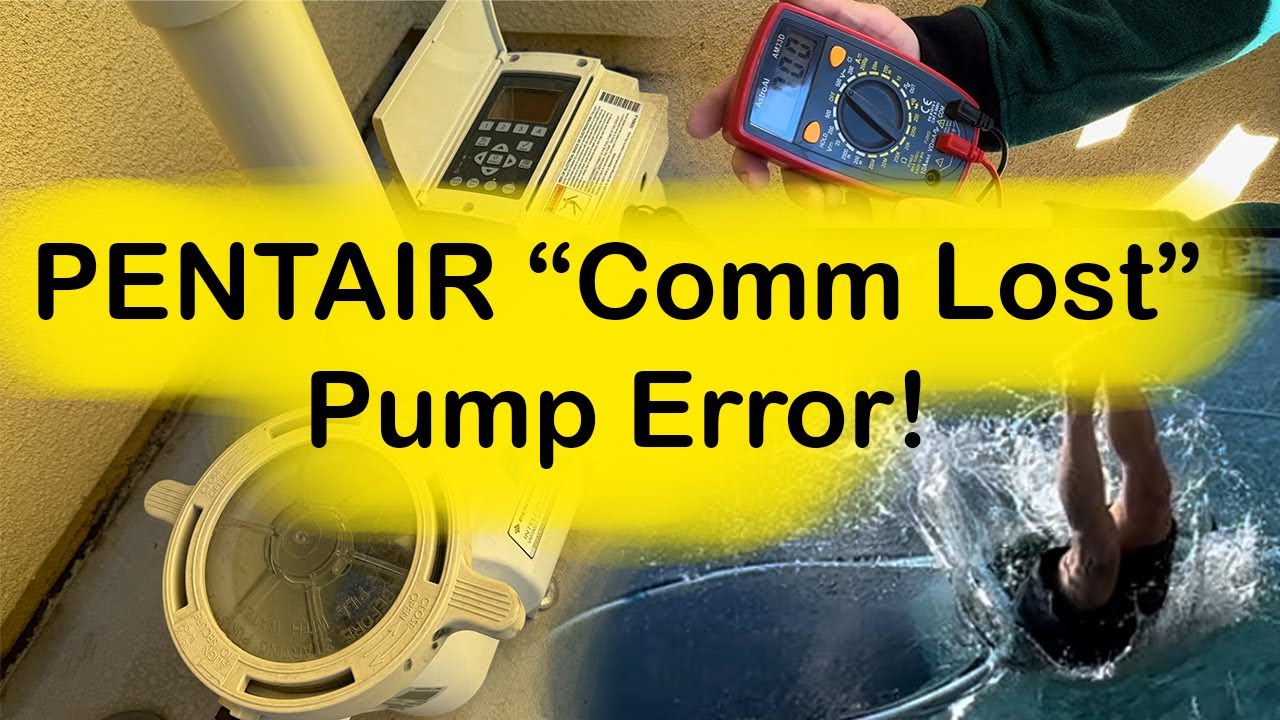
Using A Multimeter
A multimeter checks for voltage or continuity in the cable.
- Set the meter to continuity mode.
- Touch both ends of the cable—if you hear a beep, the wire is good.
- No beep means the wire is broken.
Using A Data Analyzer
Pool technicians use analyzers to check RS-485 data quality.
- Plug the analyzer into the cable.
- It shows if data is flowing correctly.
- If not, the analyzer can show which device is not responding.
This is more advanced and usually for professionals.
Pentair Pump Communication And Smart Home Integration
Many Pentair pumps now connect to smart home systems. This means you can control your pool from your phone or voice assistant.
- If communication is lost, smart features stop working.
- Automated schedules and alerts fail.
- Remote troubleshooting becomes harder.
Some advanced controllers can send error alerts to your phone, helping you react faster.
When To Replace A Pentair Pump
Sometimes, fixing the communication lost error is not possible. If your pump is old or damaged, replacement may be best.
Signs You Need A New Pump
- Pump is over 8-10 years old
- Multiple electronic failures
- Repair costs are too high
- Error returns after every fix
Modern pumps are more reliable and energy-efficient, so replacement can save money long-term.
Cost Of Repair And Replacement
Repair costs depend on the problem:
- Cable replacement: $20-$50
- Connector repair: $30-$100
- Software update: Usually free
- Professional diagnosis: $150-$300
- New Pentair IntelliFlo pump: $900-$1,500
Compare costs before deciding. Sometimes, fixing a cable is easy and cheap, but replacing a pump is expensive.
Tips For Pool Owners: What To Do When Communication Is Lost
If you see the error, stay calm and follow these steps:
- Try a quick reset: Turn off and on the system.
- Check visible cables: Look for obvious damage or loose plugs.
- Review recent changes: Did you add new equipment or change settings?
- Avoid running the pump manually: If you don’t know the cause, manual operation can cause further damage.
- Call a technician if unsure: Don’t risk electrical safety.
Mistakes To Avoid When Fixing Communication Lost Errors
Many beginners make these common mistakes:
- Mixing up addresses: Setting two pumps to the same address causes confusion.
- Ignoring cable routing: Running data cables next to power lines increases interference.
- Skipping power check: Always check if both devices are powered.
- Overlooking connectors: Dirty or corroded connectors are a frequent cause.
- Updating software without backup: Always back up settings before updates.
Avoid these errors to save time and prevent bigger problems.
Credit: www.youtube.com
Pentair Official Support And Resources
Pentair provides detailed manuals, troubleshooting guides, and customer support. You can find official information and updates at their website or from certified dealers. For more in-depth troubleshooting and professional advice, see Pentair Support.
Frequently Asked Questions
What Does “pentair Pump 1 Communication Lost” Mean?
This warning tells you that your pool system’s main controller cannot talk to the first pump. Usually, this is caused by a problem with cables, settings, or power. The pump may stop working or ignore commands until the issue is fixed.
How Do I Fix A Communication Lost Error?
Start by checking power, cables, and connectors. Make sure the pump’s address is unique and matches the controller. Reset the system if needed. If the error does not clear, call a technician to check for deeper problems.
Can I Prevent Communication Lost Errors?
Yes. Keep cables dry and secure, protect from pests, check connections during maintenance, and update software regularly. Avoid running data cables near power sources to reduce interference.
Is It Safe To Run The Pump Manually If Communication Is Lost?
It is usually safe for short periods, but you should fix the communication as soon as possible. Manual operation may skip safety features and automatic schedules, so monitor the pump closely.
When Should I Call A Professional For Help?
Call a Pentair technician if you cannot find the cause after basic checks, if you see repeated errors, or if the pump shows signs of damage. Professionals have tools and knowledge to fix complex problems safely.
Keeping your pool system connected and running smoothly is key to enjoying clean, safe water. By understanding and solving “Pentair Pump 1 Communication Lost” errors, you gain confidence and control over your equipment. Remember, prevention and regular checks are your best tools. If you ever feel unsure, don’t hesitate to ask for expert help. Your pool—and your peace of mind—will thank you.